






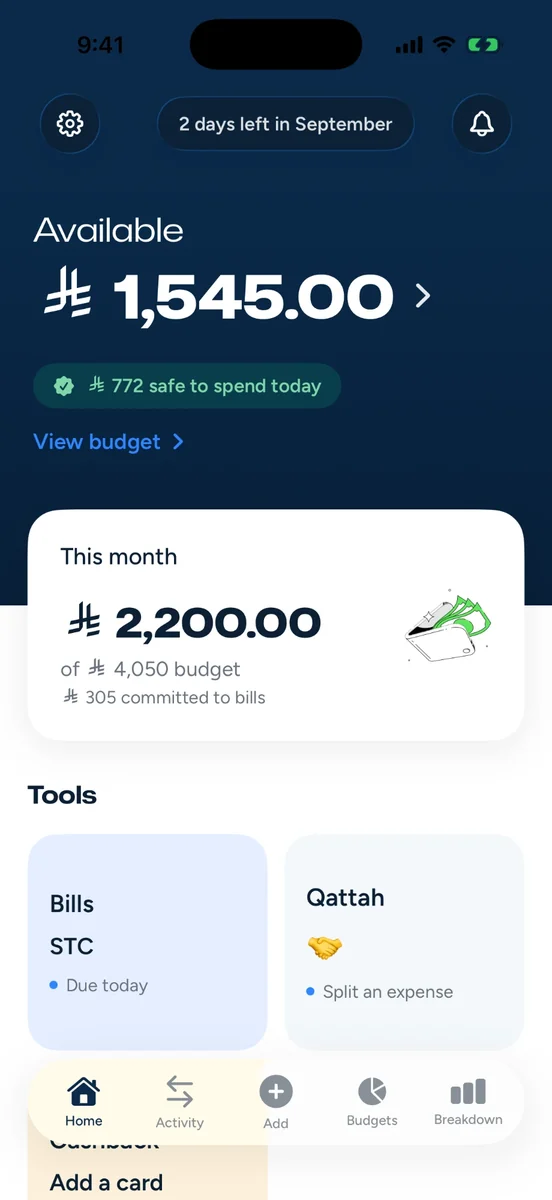
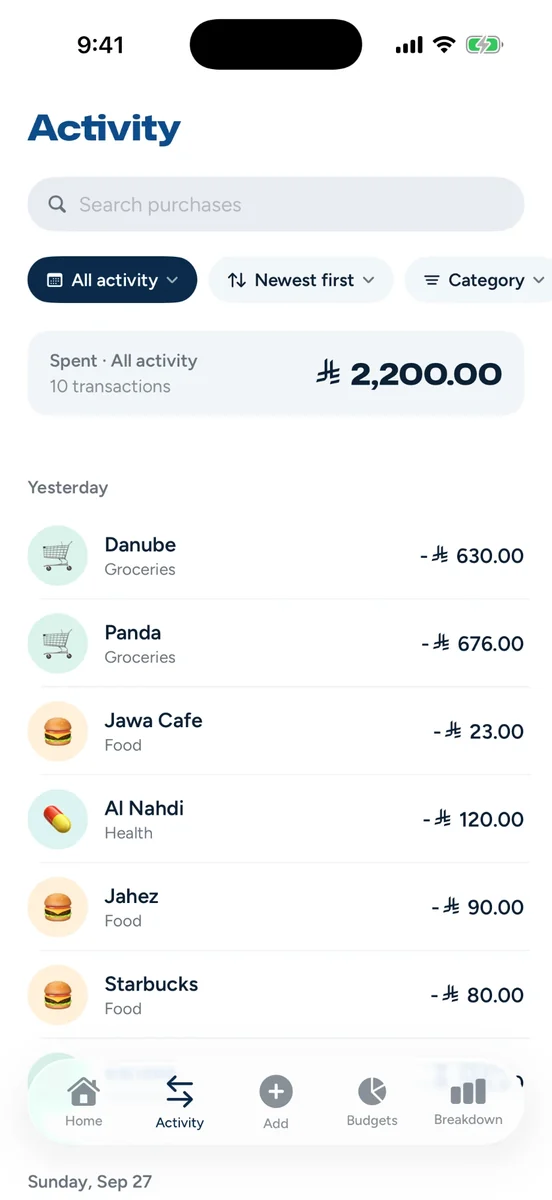
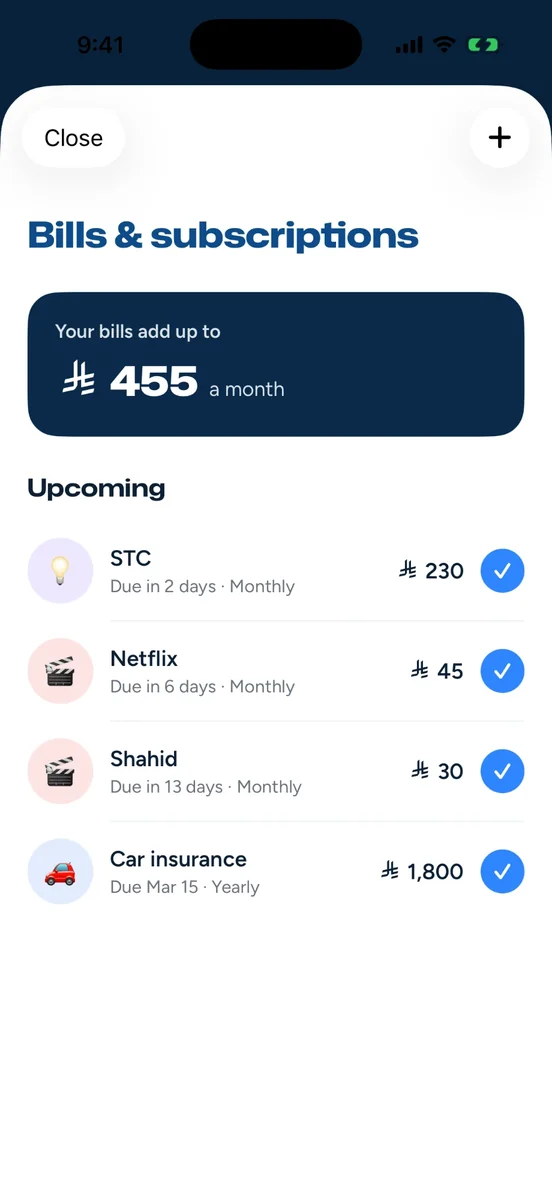

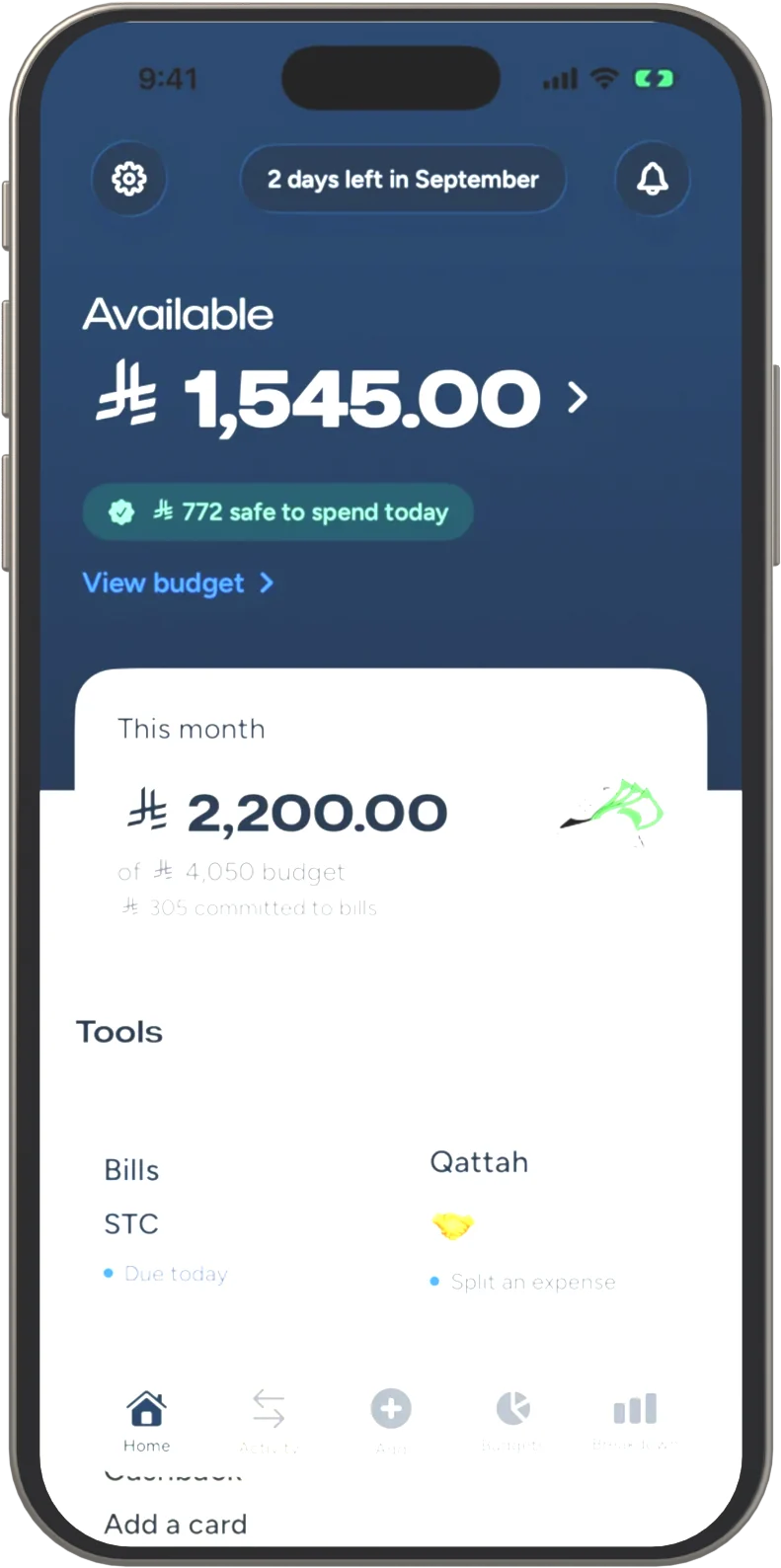
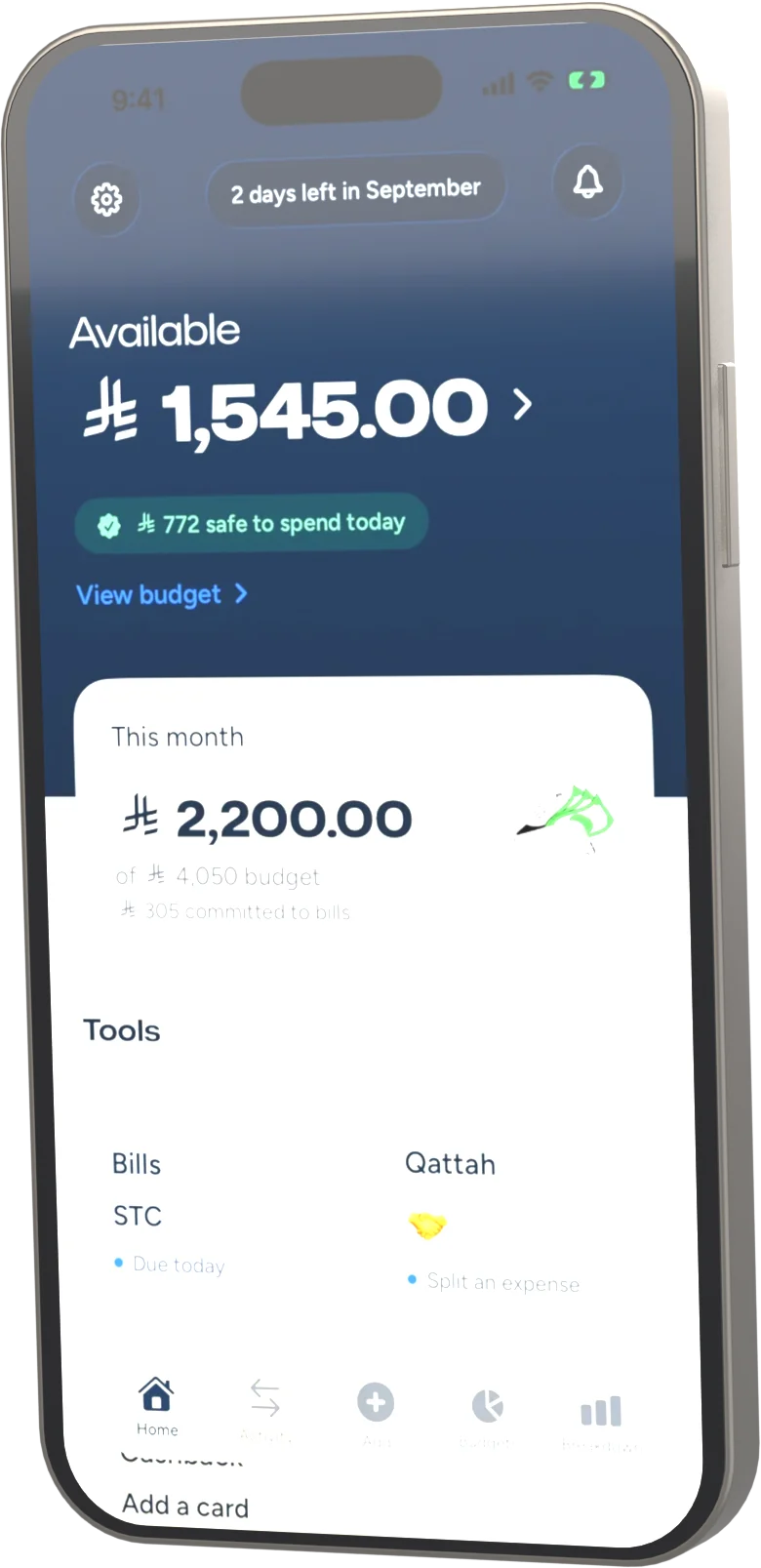
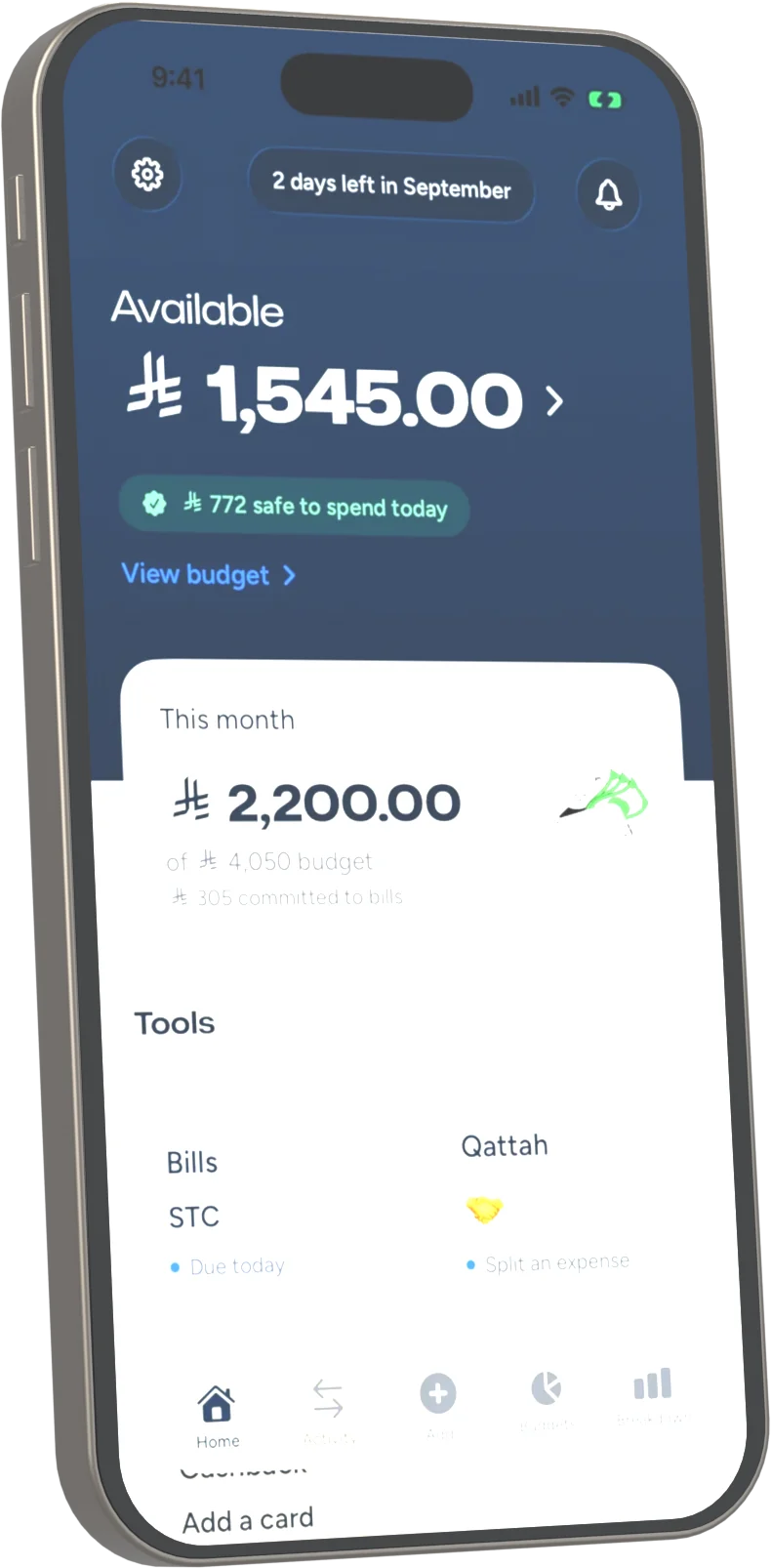




Tap to pay. That's the whole workflow.
Pay like you always do. Madriss records the purchase instantly and asks just one question, right in the Dynamic Island.
Set up once
Create two quick automations. The app walks you through every step in a couple of minutes.
Pay anywhere
Tap your card or buy online. The purchase records itself: amount, merchant and card, straight from your bank's alert.
One tap to file it
Pick a category from the island, or skip it and categorize later. Nothing gets lost either way.
Finally, a Saudi budget app that sees your mada spending
Wallet-based apps miss the card Saudis actually pay with. Madriss reads your own bank's SMS, on your phone, in English or Arabic, so mada, online checkouts and subscriptions all log themselves.


| Purchase type | Madriss | Wallet-based apps |
|---|---|---|
| mada tap-to-pay | Automatic | Missed |
| Visa / Mastercard tap-to-pay | Instant | Yes |
| Online & in-app purchases | Automatic | Only via Apple Pay |
| Subscriptions | Automatic | Only via Apple Pay |
Budgets that push back, gently
Once every purchase logs itself, the rest of Madriss gets to work.
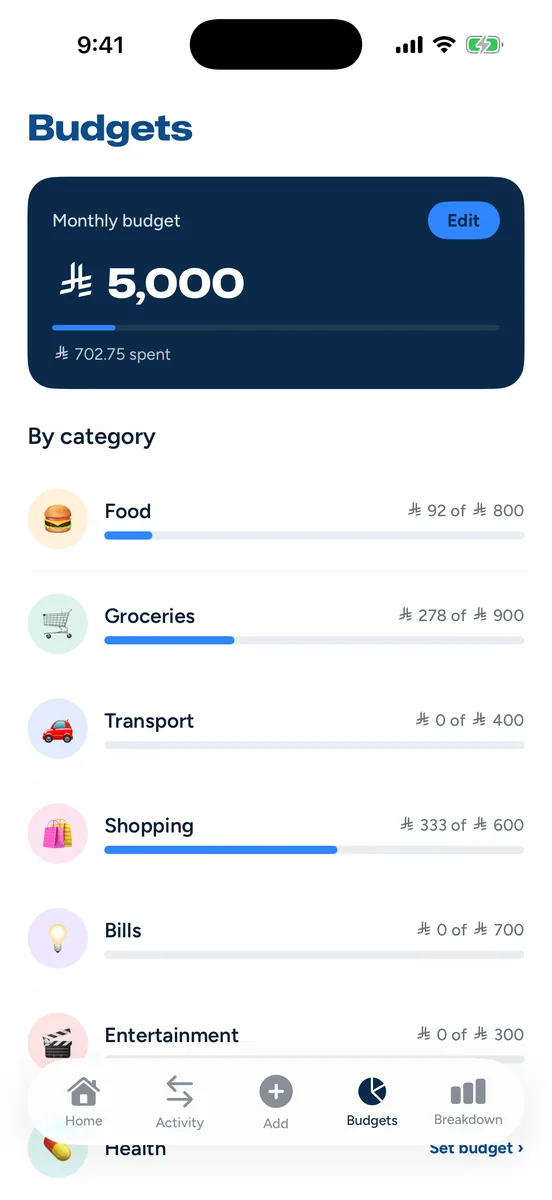
Budgets on autopilot
Set one monthly number and Madriss divides it across your categories with the 50/30/20 rule: needs, wants, savings. Pace alerts warn you before the limit, not after.
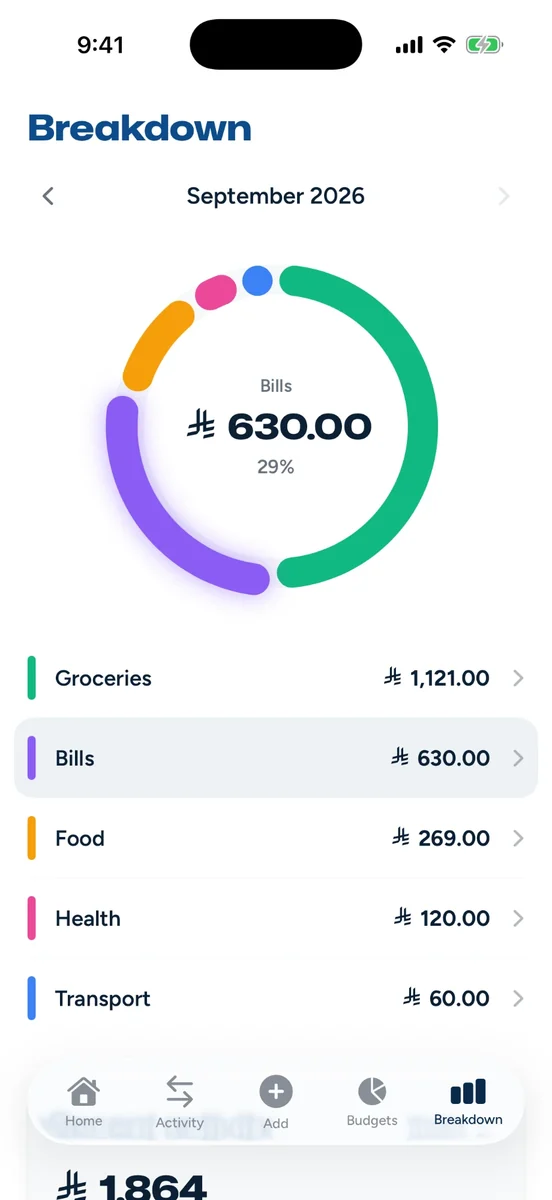
Reports you'll actually read
Where the month went, by category and merchant, plus estimated cashback against each card's caps. Export to CSV anytime; it opens straight in Excel or Numbers.
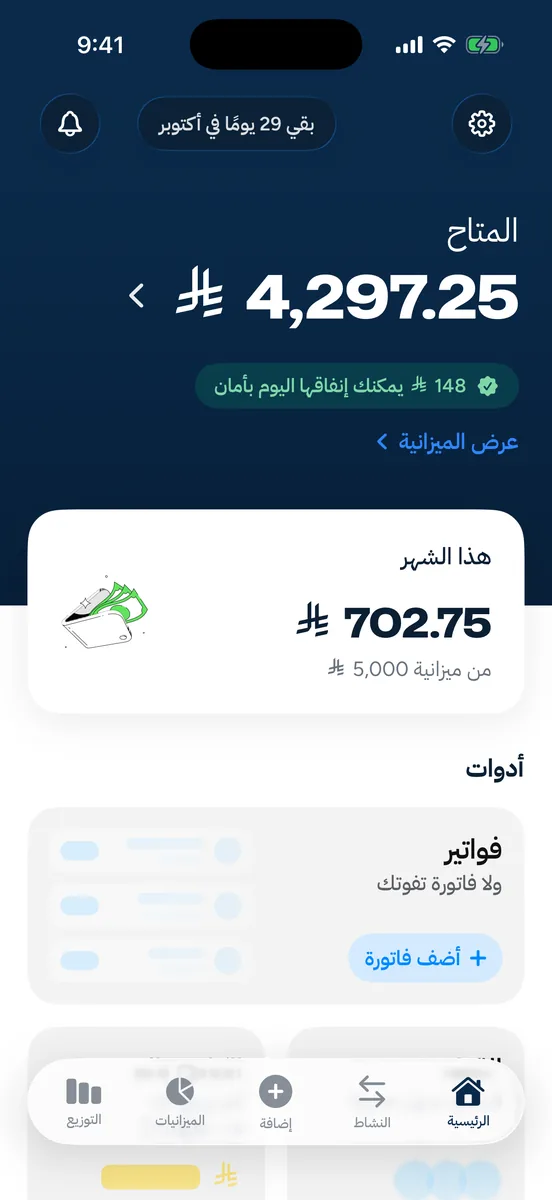
Arabic first. العربية أولًا
A full Arabic experience: dedicated Arabic typography, complete translation, true right-to-left layout, and your bank's Arabic texts are parsed just as accurately as English ones. Cashback estimates mirror how Saudi banks actually structure programs: per-category rates with monthly caps.
Your bank never hears about us
Madriss is built so trust isn't required. It's verifiable.
No bank credentials
Madriss never asks for a bank login, and has no access to your accounts. No stored credentials means no credentials to steal.
SMS stays on your phone
Bank messages are read on your phone. Only the transaction details are saved to your account; the message itself never leaves your phone. OTPs and personal texts are ignored.
Works without an account
Guest mode keeps everything on your phone. Sign in only if you want backup and sync.
No trackers
No analytics SDKs, no ads, no data brokers. Your spending is your business. Read the privacy policy.
Questions, answered
How does Madriss log purchases without a bank connection?
Two one-time Shortcuts automations that you create and own: one fires when you tap to pay with Apple Pay, the other when your bank's purchase SMS arrives. Both hand the purchase to Madriss on your phone: no server in between, no credentials involved.
Does it work with mada cards?
Yes, that's the point. mada payments don't show up in Wallet-based trackers, but your bank texts you about every one of them. Madriss reads those texts (in Arabic or English) and logs the purchase automatically.
Which Saudi banks does Madriss work with?
Madriss recognises the purchase-alert formats Saudi banks send, in English and Arabic, rather than keeping a list of banks. Today that's 9+ formats, and the amount, merchant and card ending are picked out of each. If your bank's alert isn't recognised, send a sample to support and it's usually added in the next update.
Can Madriss read my other messages?
No. Madriss has no access to your Messages app. The only text it ever sees is what your own automation passes to it, and anything that isn't a purchase alert is discarded on the spot.
What happens if I ignore the Dynamic Island prompt?
Nothing gets lost. The purchase is already saved; the prompt only picks a category. Skip it and the purchase waits in Activity with a one-tap "categorize" button.
How much does it cost?
Madriss is free, automatic logging included. A Pro tier with advanced budgeting tools is on the roadmap; automatic logging stays free.
Is Madriss available on Android?
Yes. Madriss is on iPhone (iOS 17 or later) and Android (8.0 or later). Get it from the App Store or Google Play. On Android, purchases are logged from your bank and wallet apps' payment notifications. You can also turn on Purchase alerts from Messages to log the purchase texts your bank sends, read from the notifications Messages shows (your SMS inbox is never opened).
Budgeting that does itself
Free on the App Store and Google Play. Set up in a minute. Your next tap-to-pay logs itself.